
Running a business in today’s world means keeping up with new tools and methods that make life easier—for both you and your customers. One of the best ways to streamline payments and improve your customer experience is by using PayPal QR codes. And with QRSpider, generating one has never been easier.
Here’s how QR codes for PayPal payments can benefit your business and why you should consider using them:
-
Speed Up Transactions
If you’re tired of customers fumbling with cash or cards at the checkout, a PayPal QR code is the perfect solution. When you generate a PayPal payment QR code with QRSpider, all your customers need to do is scan the code with their phones. From there, they’ll be sent straight to your PayPal payment page. No need to enter long account numbers or manually type in amounts. It’s quick, easy, and completely hassle-free.
Boost Security
In an era where online security is top of mind, using PayPal to process payments gives both you and your customers peace of mind. PayPal has built-in fraud protection and secure payment gateways, so by offering a PayPal QR code option, you're ensuring that your transactions are safe and sound. Plus, no one’s handling cash or cards directly, which reduces the chances of mistakes or fraud.
Seamless Integration with Your Marketing
Once you’ve got your PayPal QR code, you can put it everywhere. Stick it on your flyers, business cards, or posters—basically anywhere your customers might see it. It’s a great way to make it super easy for them to pay you without having to deal with complicated steps. Whether they’re walking by your store or checking out your business online, they can scan and pay instantly.
Perfect for Online or Remote Businesses
If you're running a business online, or perhaps offering services remotely, a PayPal QR code is a must-have. Imagine sending a QR code link in an email, or adding it to your website—clients can simply scan the code to pay you right away. No need for back-and-forth messages with payment details. It's perfect for freelancers, consultants, or anyone who wants to make payments as easy as possible.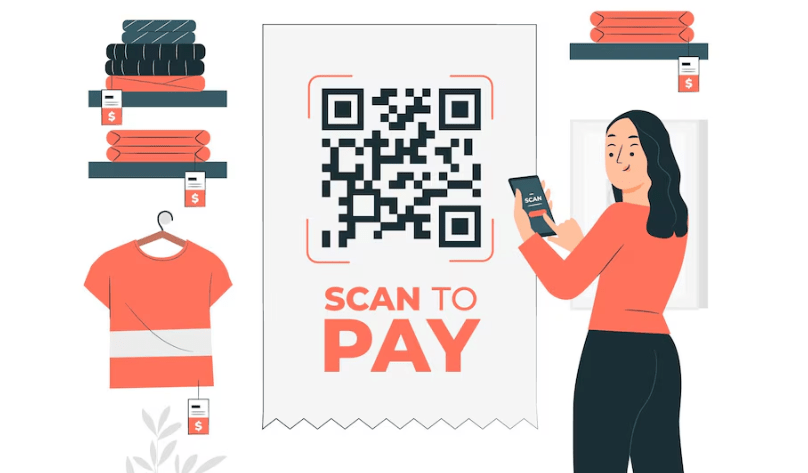
How to Create a PayPal QR Code with QRSpider
-
Creating your own PayPal QR code with QRSpider is a breeze. Here’s what you need to do:
Sign up or log in to QRSpider. -
Choose “PayPal Payment” as your QR code option.
-
Enter the payment amount (or leave it open if you want the customer to decide).
-
Hit "Generate," and your QR code will be ready to download!
That’s it! You can now print it, share it digitally, or even place it in your store—whatever works best for you.
Wrapping Up
Incorporating a PayPal QR code into your payment process isn’t just about keeping up with the times—it’s about making your life easier, boosting your security, and improving the experience for your customers. If you’re looking to make payments smoother, faster, and more secure, QRSpider’s PayPal QR code generator is the way to go. Ready to upgrade your payment system? Try it today and see how simple it can be!